
New design for string measurements, product inspections, and branding
Standard documents now have a new design and theme customization options.
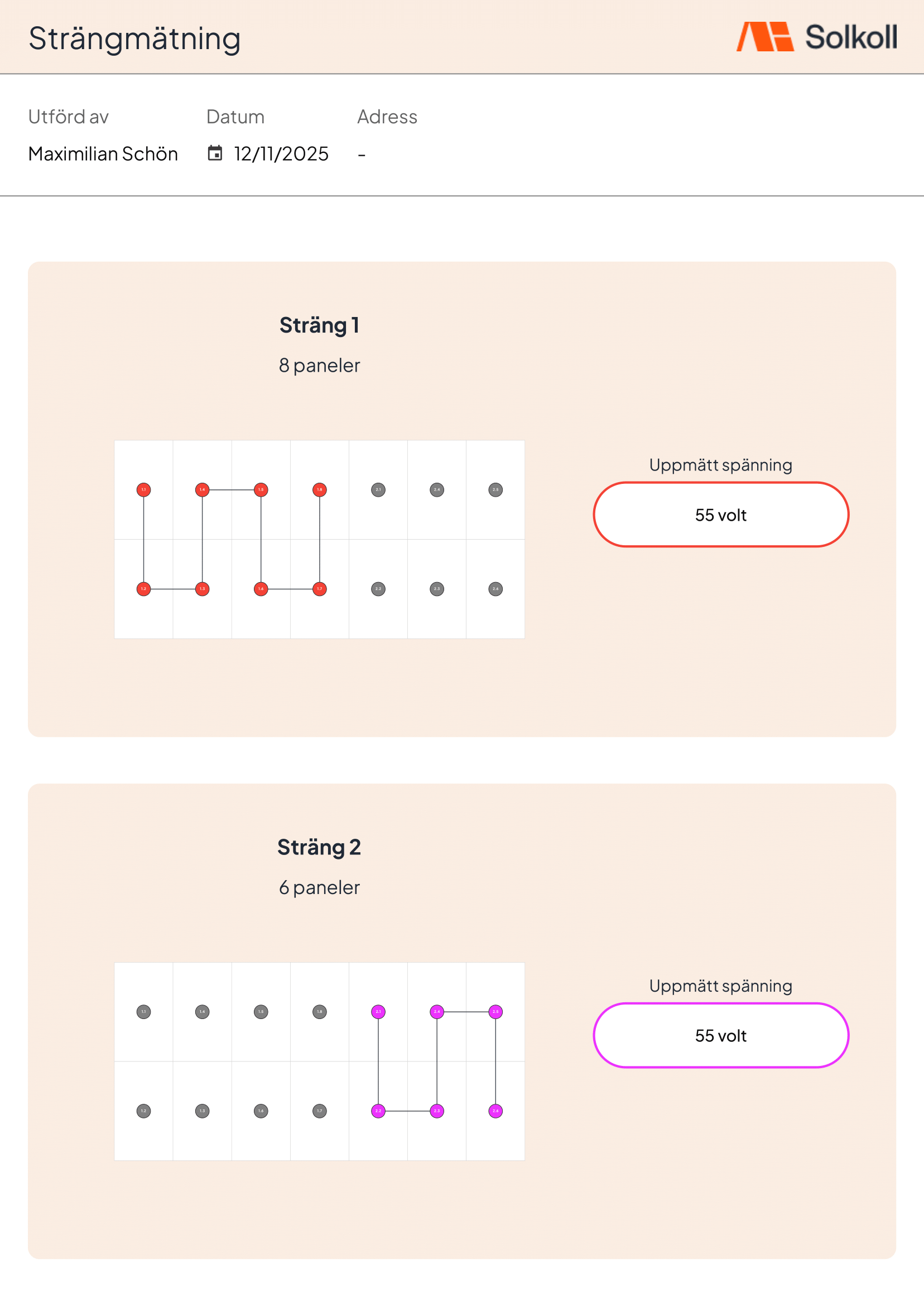
We have launched new designs for all standard documents and introduced the ability to change the accent color and corner radius. You can do this under Settings -> General settings. The attached image uses the color #faeee2 and a radius of 5.
We recommend using accent colors that work well as background colors with black text. We also recommend a corner radius between 0 and 10. In a future update, we will add a preview of how this looks in the actual documents, but that will be released together with a larger redesign.
More and better document-template components will also arrive later, but we are waiting until we know exactly how those should be designed.