
app.solar 2.0
We are launching app.solar 2.0: the same core functionality with an improved user experience and new features.
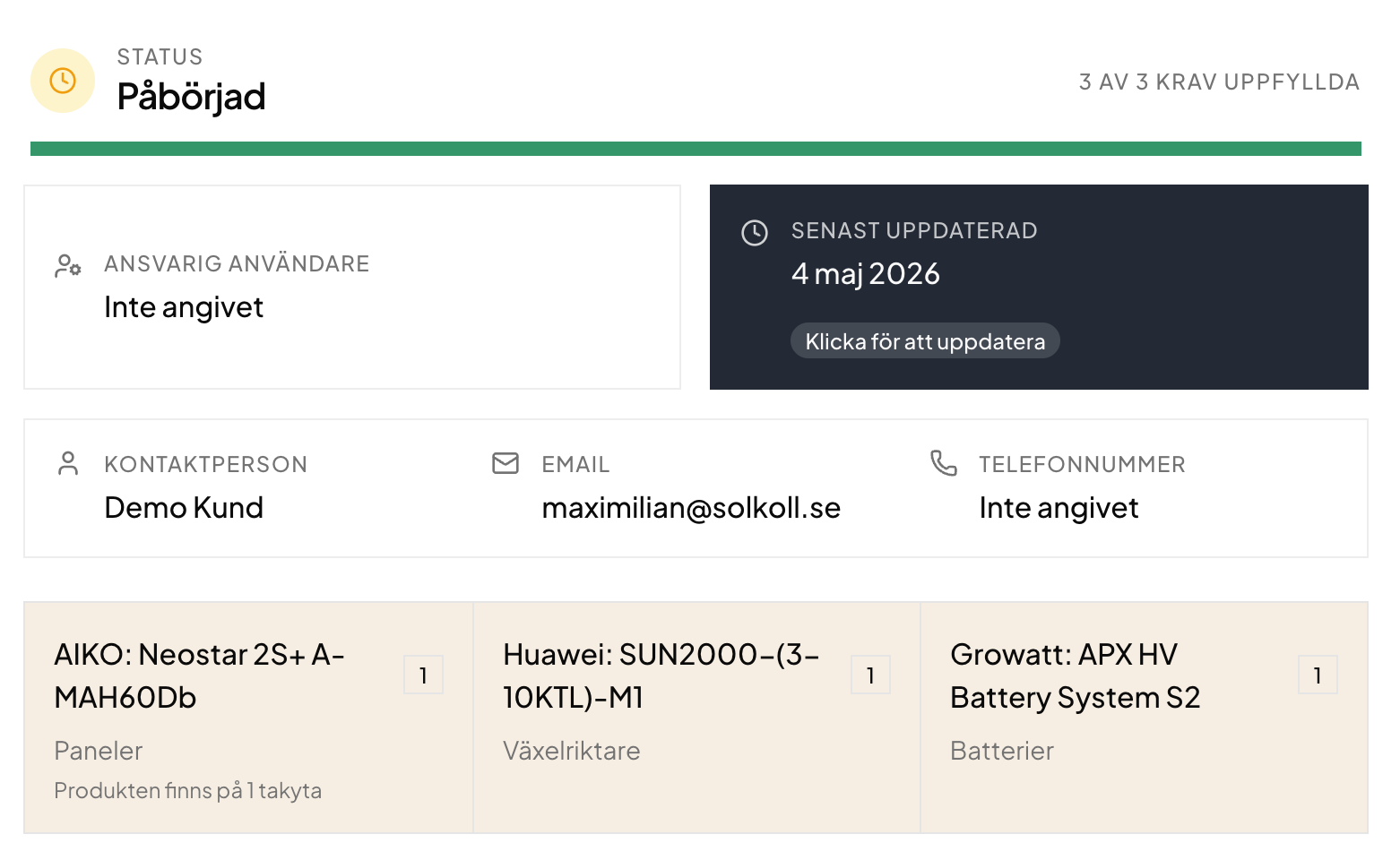
Today we are launching app.solar 2.0 with the goal of moving toward a system that creates and tracks the requirements for different installations, rather than only creating documents.
We have kept the same core functionality, improved it, and added a few new features.
Folders
To make larger installations easier to organize, customer installations now support folders. Documentation retrieved from products is placed in its own folders.
Requirements and document types
You can now define which documents you collect and apply those labels to both uploaded files and templates created in app.solar.
Integrations
We have created an integrations system. We are starting with an integration for Solar Energy Quality, where you can order inspections under agreement, create action protocols, and connect existing customers.
Template builder redesign
We have redesigned the template builder to be more component-based than the previous text-editor approach. New views also make it clearer how the document will look and which inspection questions are generated from the content.
Versions and locking
To better support a requirements and documentation workflow, standard documents can now be locked once they are complete. To edit a locked document, you create a new version instead. This prepares us for a future signing system, where signed documents must not be editable afterwards. Versioning also creates a clear history if actual changes are made to an installation.
Create your own products
You can now create your own products and connect them to your own inspections. That means you do not need to request products and wait for us to create them before you can get started.
Delegated requirements
You can now mark who should complete each document in an installation. Delegated requirements are shown in the overview, which now also shows how many complete documentation packages have been sent to your customers.
Finally
We have also added chat under the Help button in the sidebar. Please contact us if there is a feature you would like to work differently, or if something no longer behaves as expected. Overall, we see this update as a broad improvement with the same familiar functionality.